Agoge CourseOps · in pilot with faculty
Your whole course, in one app on your own laptop
A course is a folder of files. Edit it with an assistant, check it, preview it the way D2L will show it, and send it to Brightspace. The graders live in the same place.
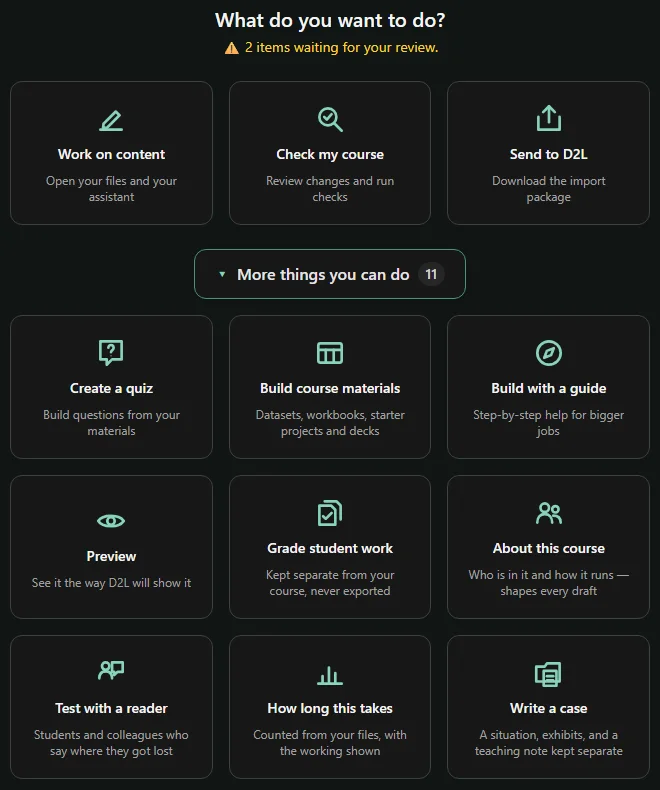
What you can do
Every step of the term, in one workspace
01Content
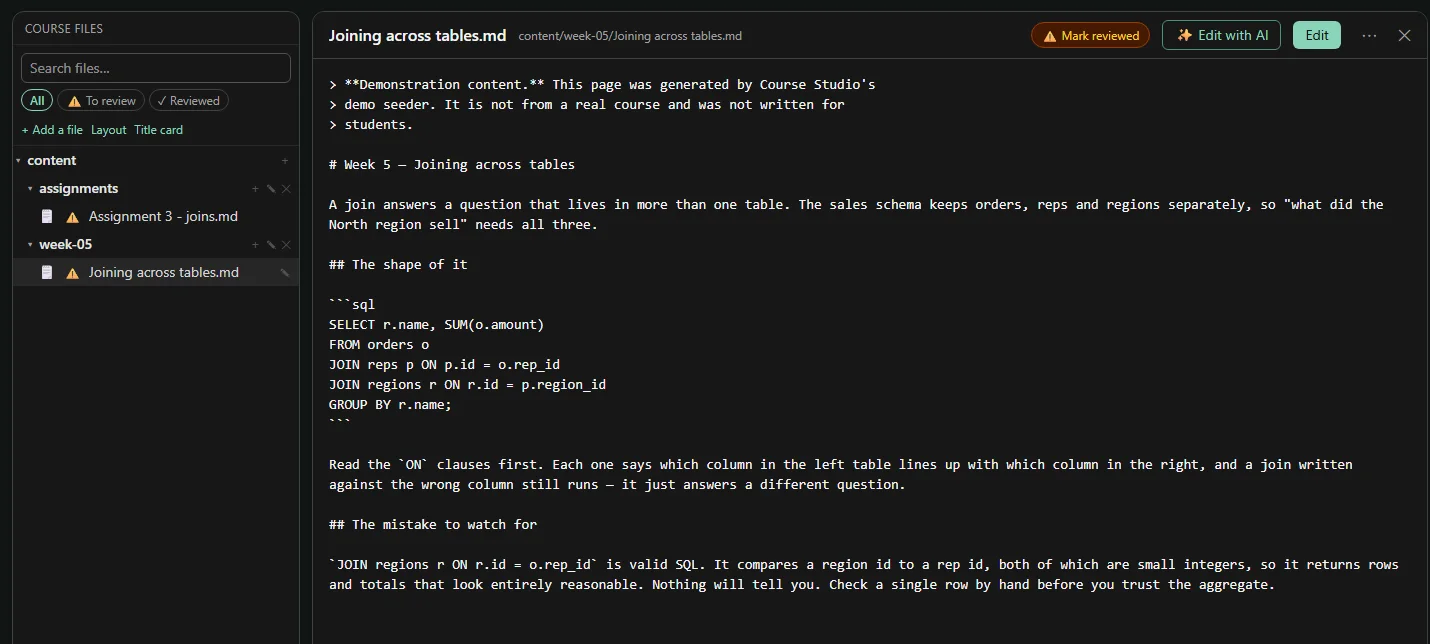
- Work on contentYour course files and an assistant that edits them
- Build course materialsDatasets, workbooks, starter projects and decks
- Write a caseA situation, exhibits, and a separate teaching note
- Test with a readerStudents and colleagues say where they got lost
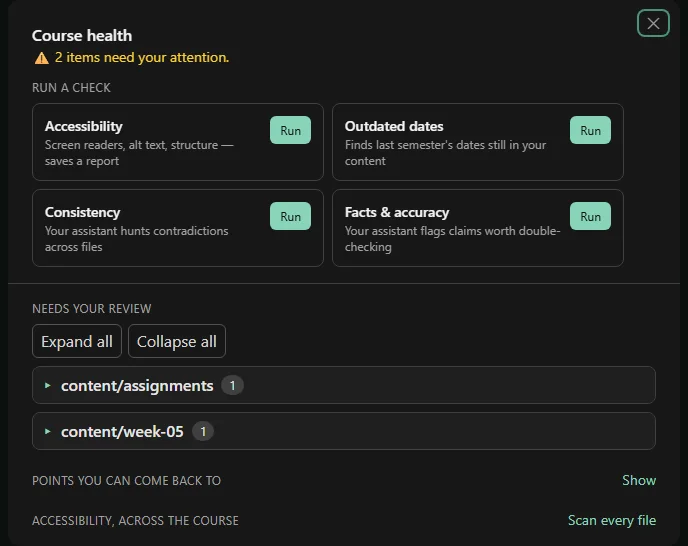
- Check my courseAccessibility, old dates, contradictions, facts
- PreviewSee it the way D2L will show it
02Assignments
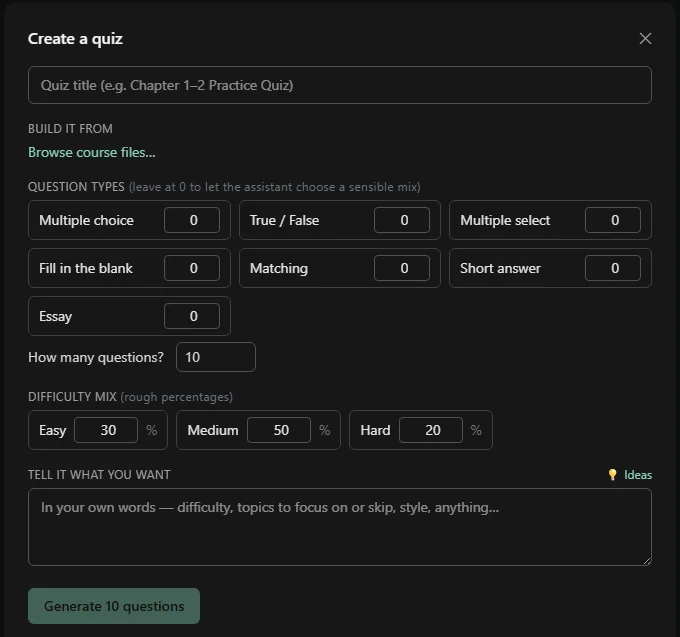
- Create a quizQuestions built from your own materials
- Build with a guideStep-by-step help for bigger jobs
- How long this takesStudent workload, counted from your files
03Running the class
- Grade student workKept separate from the course, never exported
- Write an announcementIn your voice, every date checked
- The term, week by weekWhere the work falls, and which week is heavy
- Send to D2LDownload the import package
A look inside
Real screens from the pilot sandbox
How it works
Everything stays on your machine until you publish
It uses the ChatGPT Edu or Plus seat your school already pays for, or your own API key. We sell no AI account.
Seven of the eight generators make something real with no assistant set up: datasets, decks, workbooks, Power BI and Tableau files.
Courses live in your Documents folder, usually synced by OneDrive already. Move machines by copying it.
Room to grow
The same app at three sizes
- 1 Local app One instructor, on their own machine Courses shared by zip export and import No IT involvement
- 2 Department server A college or department Co-instructors and teaching assistants on shared courses A server and backups
- 3 CampusPlanned The whole institution Single sign-on and direct publishing into Brightspace A real deployment
Where it is today: CourseOps is in pilot with faculty, not generally available. The local app is real. It installs from a public container image and updates itself. The campus tier is still design work.